Conversations that keep your place
Chat, Create and interviews are saved and resumable, with a cleaner conversation design and live notes you can correct.
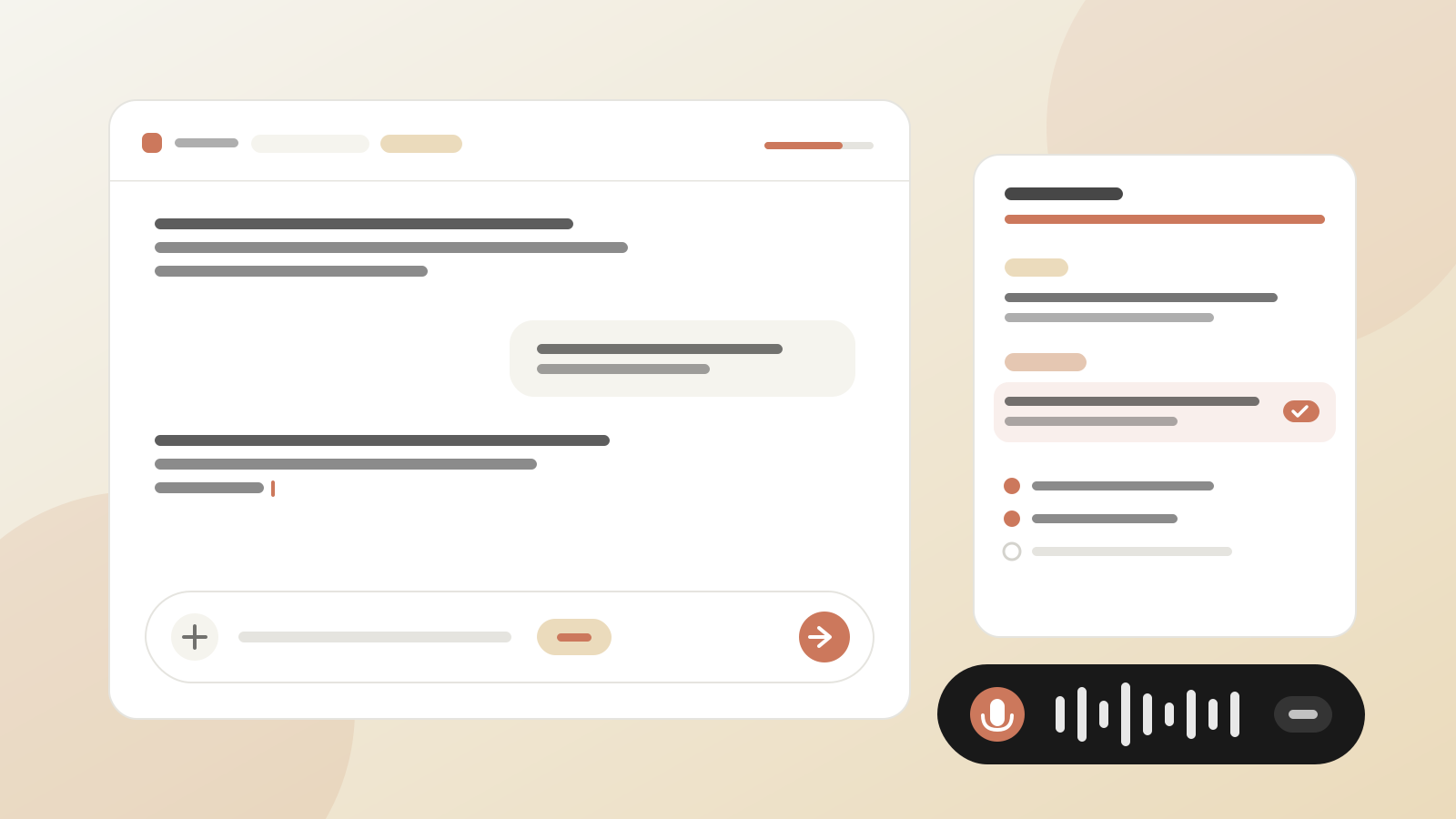
A calmer, clearer chat
Chat, Create and interviews share one conversation design: plain assistant text, soft bubbles for what you write, and a floating, rounded input.
The + menu attaches files, slash templates, wiki pages and experts as context. Type # to pick wiki pages and @ to pick experts without leaving the keyboard.
Sessions that are still there tomorrow
Chat conversations are saved and resume from Sessions → Chat, or when you come back to the tab.
Create sessions are saved too. They show as in progress, then as completed once the document is saved to Learn, and you can pick one up at any time.
When you save an answer to the wiki, Tacivo asks why it is worth keeping and for a little context, and uses both when it writes the page.
Create, rebuilt
Create reads the right wiki pages and writes a short, grounded first draft straight away, asking only for what it cannot find.
The draft streams in beside the conversation. Edit it in place (decks edit on the slide itself), or ask for changes in chat. Drag the split between the two to give either more room.
Interviews with live notes
A new header shows where you are: the kind of interview, a title you can rename, the area, and your progress.
Beside the conversation, live notes are written after each answer and grouped by topic. Correct a note and the interviewer is told, and your correction outranks the transcript when the document is written.
Progress follows the topics actually covered, and never goes backwards. When they are all done, or you have said enough, generate the document early from the text panel.
Notes are saved with the session and come back when you reopen it.
Voice calls that behave
Pause now fully pauses the call, and the interviewer waits quietly until you resume.
When you resume, or switch from chat to voice, the call opens with a short recap of what has been said and a question to carry on from.