Releases
What’s new in Tacivo
Every main update to the platform, newest first.
6 October 2026
Tacivo 1.7Latest
A more natural voice interviewer
Voice interviews use ElevenLabs’ newest voice model, which sounds warmer and less flat, while transcripts and documents stay clean.
- The interviewer’s voice is warmer and changes tone naturally, like a calm, interested person.
- Its tone cues are performed, never written: transcripts, notes and documents stay free of them.
- Replies start faster.
1 October 2026
Tacivo 1.6
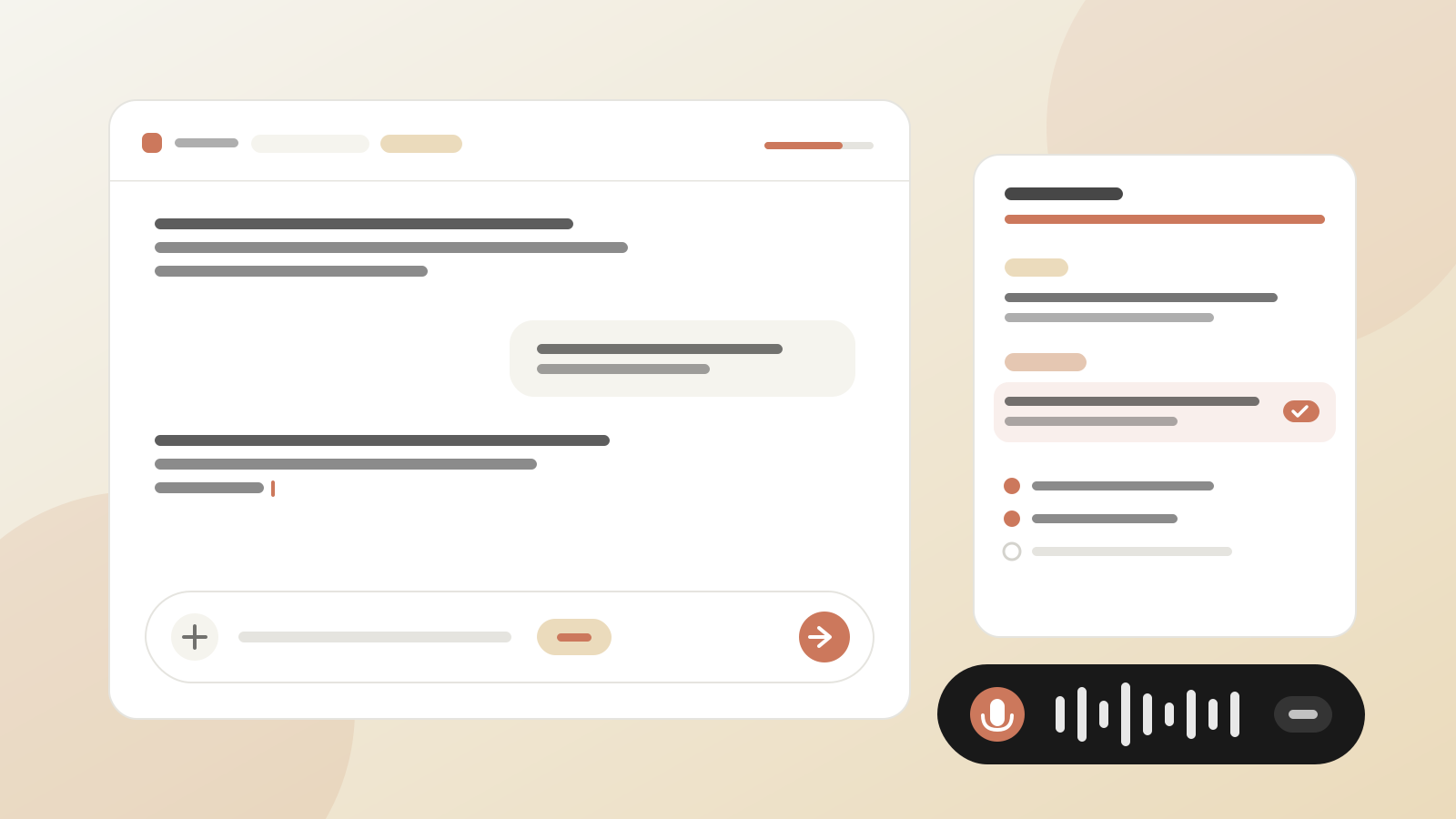
Conversations that keep your place
Chat, Create and interviews are saved and resumable, with a cleaner conversation design and live notes you can correct.
- A cleaner chat, with a + menu, # for wiki pages and @ for experts.
- Chat and Create sessions are saved and listed under Sessions.
- Create has a modern workspace: short grounded drafts, edit in place, a draggable split.
- Interviews keep live notes by topic that you can correct, with progress based on what was covered.
- Voice calls pause properly and resume with a recap and a question.
1 October 2026
Tacivo 1.5
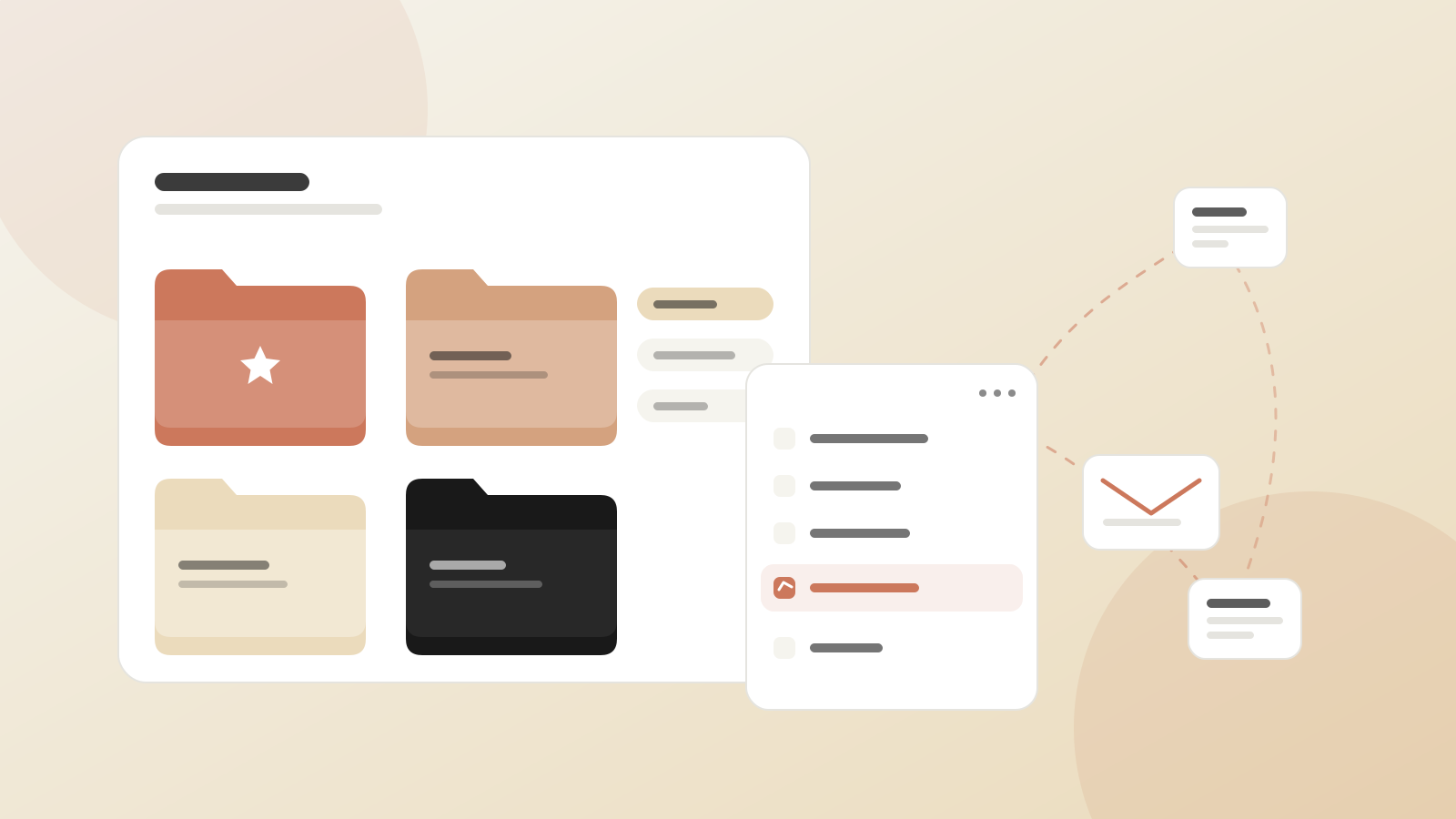
Organise and share your knowledge
Find, group and pass on what your team knows, from folders and favourites to sharing a document with a colleague.
- Wiki and Your Knowledge open on folders by type, with a Favourites view and shared stars.
- Latest edits, most read and read counts show what the team is using.
- A ⋯ menu on every document and wiki page: history, copy, download, export and share by email.
- See which wiki pages a source feeds, and which sources a page comes from.
- Copy a document to another team you belong to.
1 October 2026
Tacivo 1.4
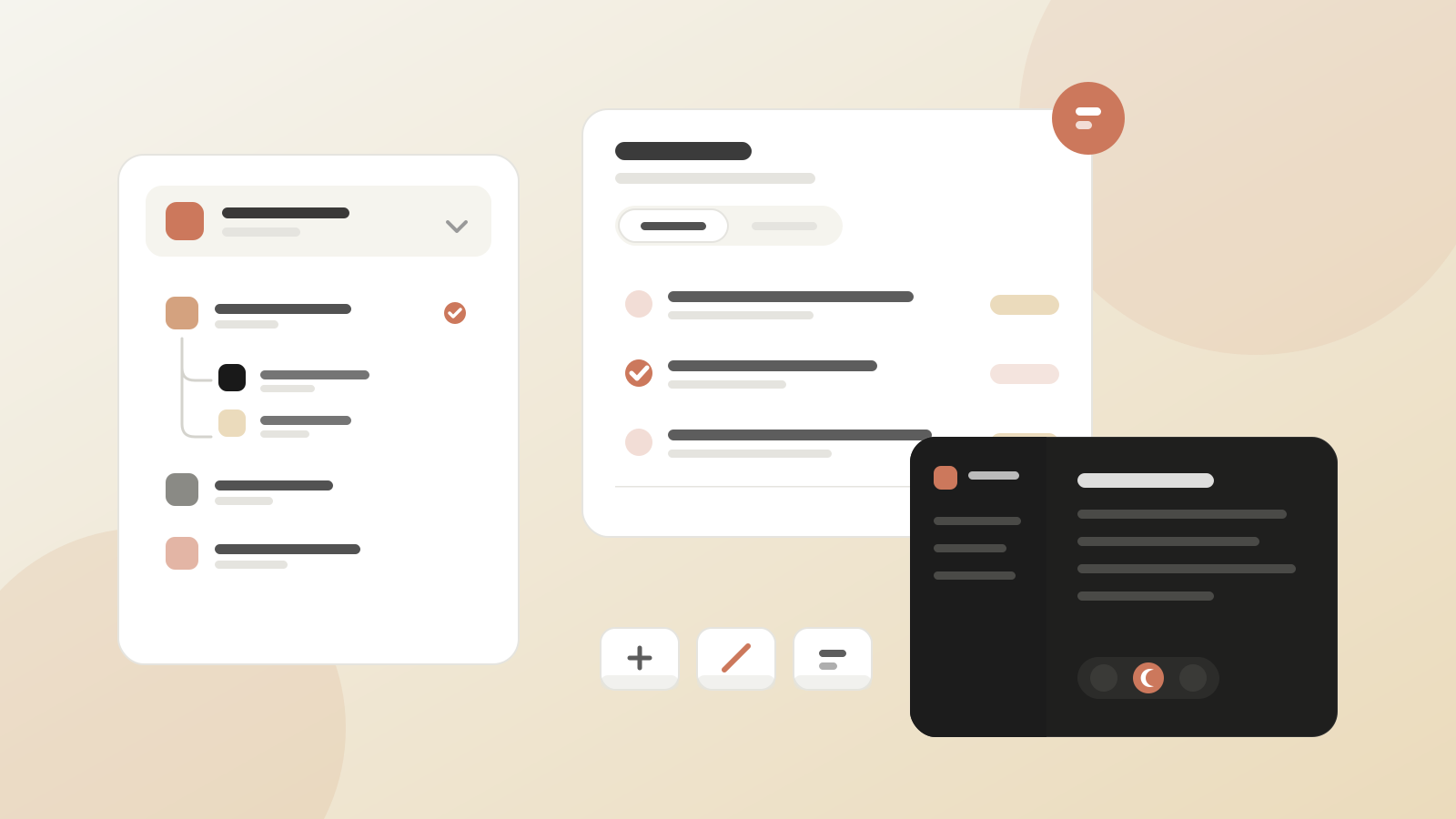
Teams, Tasks and dark mode
One Tasks page for everything assigned to you and your team, sub-teams with their own logos, and a dark mode.
- A Tasks page with My tasks and, for admins and managers, Assigned, with an open-task count in the sidebar.
- Sub-teams, a better team selector, and logos and profile pictures.
- Dark mode, set in Settings or switched with a shortcut.
- Keyboard shortcuts for moving around, and a calmer inbox.
- Admins choose which Create document types the organization offers.
30 September 2026
Tacivo 1.3
Settings in one place
Everything you configure now lives in one Settings dialog, and each team gets new ways to see and steer its knowledge.
- Settings opens as one dialog with Organization, Team and Account sections.
- Profile and Security for everyone, with personal instructions for Tacivo AI.
- Team Stats, and Wiki health with a 3D knowledge map and Tacivo dreams.
- Tacivo AI preferences: team instructions, a wiki schema you edit as parameters or upload, and interviewer notes.
- A Help menu with documentation, keyboard shortcuts and these release notes.
30 September 2026
Tacivo 1.2
Version history, inline sources and Tacivo dreams
The wiki shows where every fact came from and how each page changed, and a weekly AI review suggests improvements.
- Version history for documents and wiki pages, with restore.
- A clearer publish flow from draft to wiki.
- Numbered inline sources on every wiki paragraph.
- Team managers run their own teams.
- Tacivo dreams: weekly suggestions for patterns, gaps, duplicates and contradictions.
- An upgraded AI model across the platform.
22 September 2026
Tacivo 1.1
Security hardening
A round of security work across sign-in, integrations and uploads.
- Every route checks who is signed in and what they may reach.
- Connections to Confluence, Google Drive and SharePoint verify each sign-in round trip.
- Safer handling of uploaded text and of content shown in documents.
- Stricter security headers.
Still stuck?
Write to us and a Tacivo expert will get back to you.